
Response Time SLA Guide: WhatsApp, Email, SMS and Voice Benchmarks for 2026
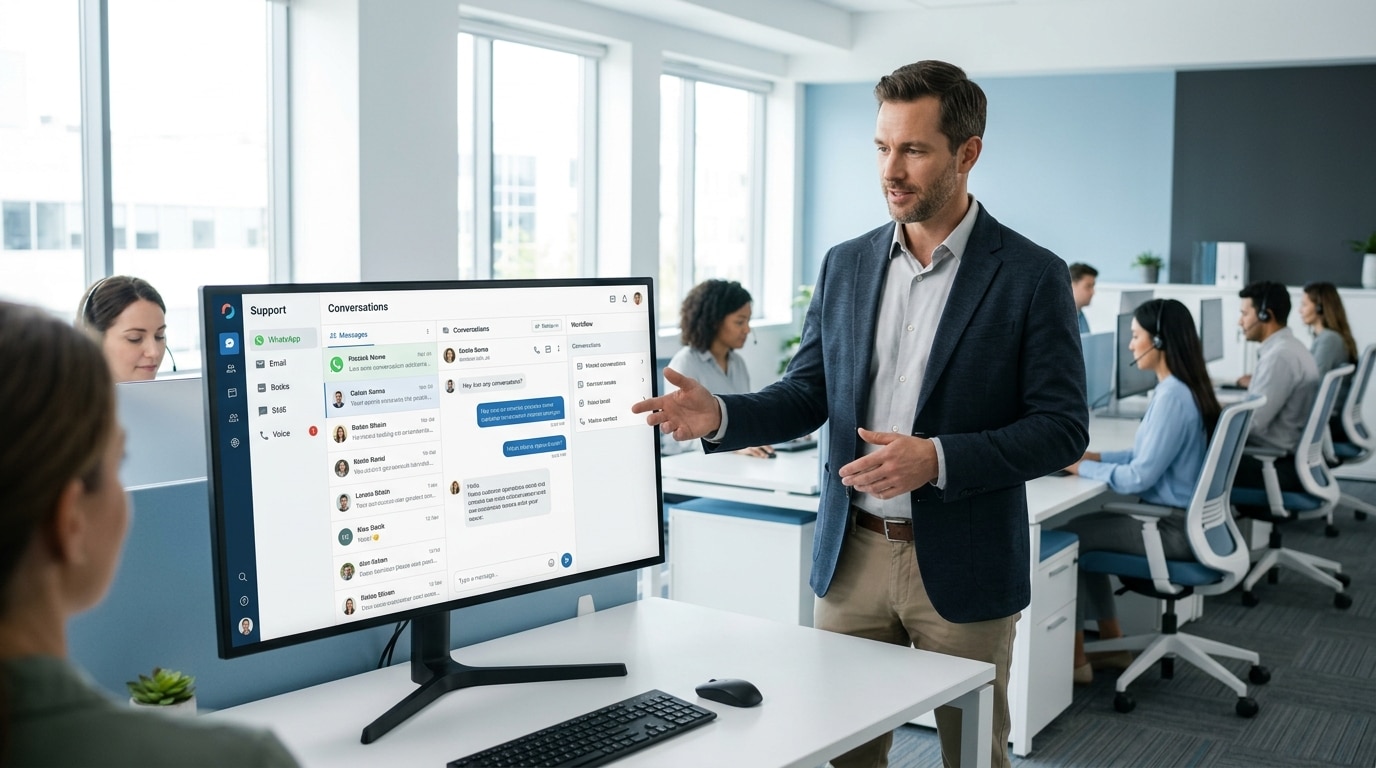
A response time SLA, or Service Level Agreement, is a documented commitment that defines the maximum time a customer can wait before receiving a reply on a specific communication channel. SLAs are set per channel because each channel carries a different customer expectation. A customer who sends a WhatsApp message expects a reply within seconds. A customer who sends an email expects a reply within hours. Applying the same SLA to both channels either over-resources email handling or under-resources WhatsApp handling. The result in both cases is a CSAT score that reflects the mismatch between customer expectation and actual response behaviour. This guide covers six things: the data-backed response time SLA target for each of the four primary support channels in 2026, what an SLA breach actually costs on each channel, why call center SLA targets differ from digital channel targets, how to build SLAs into your routing rules and team structure, what happens to CSAT and conversion when SLAs are breached, and the single master table every support manager needs. Key Takeaways Stat callout: 89% of customers expect an email reply within 1 hour. The cross-industry average actual first response time is 12 hours and 10 minutes. That is an 11-hour expectation gap. What Is a Response Time SLA and Why Does It Differ by Channel? A response time SLA exists because customer expectation is not uniform across channels. The same business might receive a WhatsApp message and an email about an identical issue within minutes of each other, yet the customer sending the WhatsApp message expects an answer before they finish their coffee, while the customer who emailed accepts a wait of several hours. This is not a customer behaviour quirk. It reflects the synchronous or asynchronous nature each channel implies. WhatsApp and SMS feel like texting a person. Email feels like sending a letter, even when delivered instantly. Voice calls require both parties present at the same moment, which is why customers calling in are often dealing with higher-urgency or more complex issues than those who chose to type. A single response time SLA applied across every channel guarantees failure somewhere. Set it to match WhatsApp speed and you burn agent capacity answering email faster than customers need. Set it to match email tolerance and WhatsApp customers experience a 5-minute wait as digital silence. The fix is not a faster team. It is a different target per channel. What Is the Right SLA for WhatsApp Customer Support in 2026? What Do Customers Expect When They Message a Business on WhatsApp? WhatsApp is a synchronous messaging channel. Customers treat it identically to texting a friend. 65% of consumers expect a response in under 5 minutes when contacting a business on WhatsApp. After 15 minutes without a reply, customer satisfaction begins to drop significantly, and the probability of conversion drops sharply. A Harvard Business Review study confirms that businesses responding within the first 5 minutes are 21 times more likely to qualify a lead than those responding after 30 minutes. What Is the Recommended WhatsApp First Response SLA? Target: first response within 60 seconds during staffed hours, with an automated acknowledgment within 10 seconds during all hours. The 60-second target reflects the channel’s synchronous nature. A response within 60 seconds matches customer expectation. A response between 1 and 5 minutes is acceptable but starts to erode satisfaction. A response beyond 5 minutes on WhatsApp produces the same CSAT damage as a response beyond 2 hours on email. The channel creates the expectation, and the SLA must match it. During unstaffed hours, an automated acknowledgment message sent within 10 seconds of the customer’s message must confirm three things: that the business has received the message, the expected response window, and any self-service option available. What Are the Resolution Time SLA Targets for WhatsApp? Standard queries should resolve within the same conversation session, targeting under 10 minutes total. 70% to 85% of WhatsApp queries can be resolved in under 10 minutes with the right tools and routing. Complex queries should escalate to a senior agent within 5 minutes of identifying complexity, with a full resolution target of the same business day. What Is the Right SLA for Email Customer Support in 2026? What Do Customers Expect When They Send a Support Email? Email is an asynchronous channel. Customers accept a longer response window than WhatsApp or SMS, but the gap between expectation and actual performance is the largest of any channel. 89% of customers expect an email reply within 1 hour. The cross-industry average actual first response time is 12 hours and 10 minutes, an 11-hour gap between what customers expect and what most businesses deliver. Companies that close this gap by responding within 6 hours see up to 2% revenue growth. What Is the Recommended Email Response Time SLA? Target: first response within 4 hours for standard queries, within 1 hour for urgent or high-value customer segments. This is the most important application of a response time SLA in most support operations, since email carries the highest volume and the widest expectation gap of any channel. The 4-hour target balances customer expectation against the operational reality of email volume management. It is achievable without AI for teams handling under 200 daily email tickets, and it requires routing automation above that volume. The 1-hour target for urgent queries requires a dedicated queue with real-time monitoring. SLA tiers by email category: What Are the Resolution Time SLA Targets for Email? Standard queries should reach full resolution within 24 hours. Complex disputes target 48 hours. Escalated complaints should be acknowledged within 1 hour, with a resolution plan communicated within 4 hours and full resolution within 72 hours. Email achieves a 65% first contact resolution rate. Looking to enforce these SLA targets without manual tracking? Omnipulse flags breaches in real time across WhatsApp, Email, and SMS from one shared inbox. Request a Demo What Is the Right SLA for SMS Customer Support in 2026? What Do Customers Expect When They Text a Business?
Omnichannel Customer Communication: 7 Proven Steps to Unify Your Support in 2026
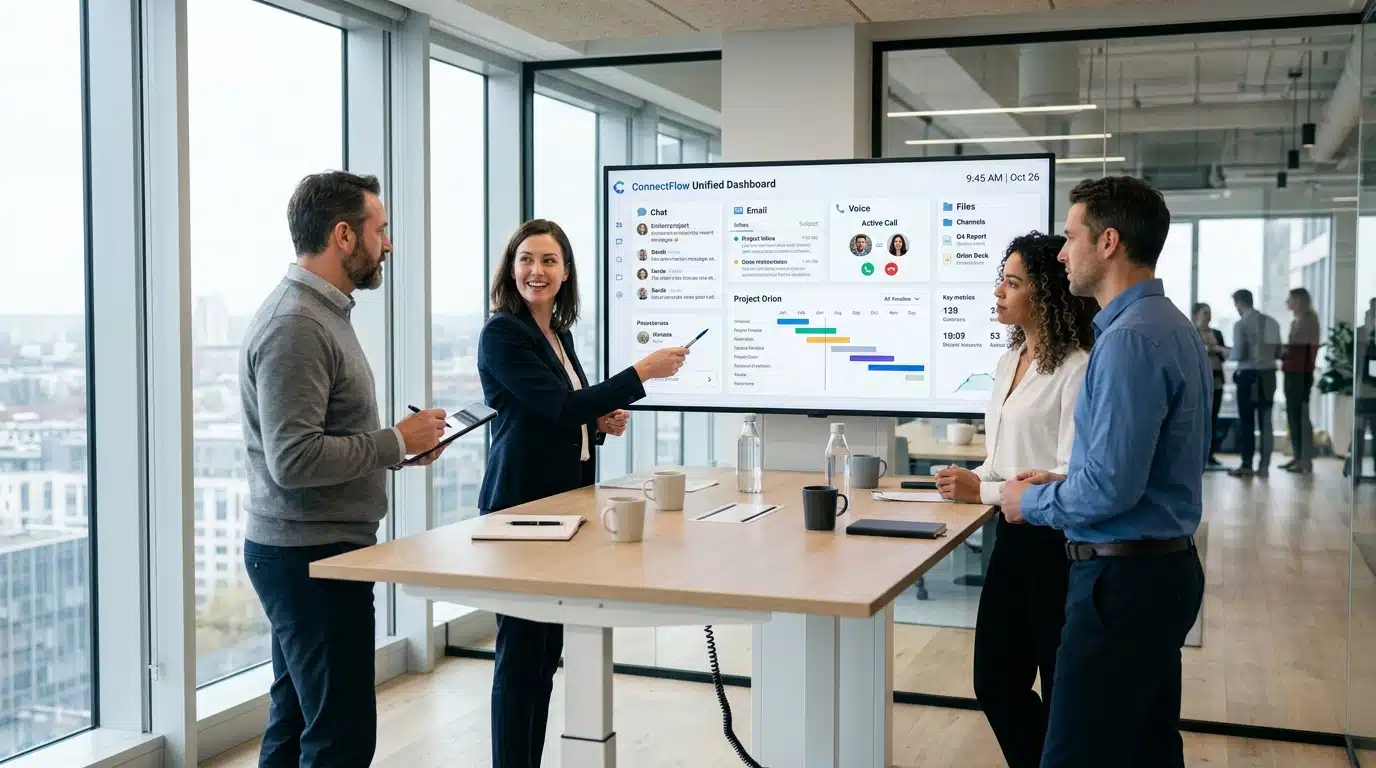
For the last decade, businesses have been in a race to “be where the customers are.” First, you added an email. Then, when live chat became popular, you bolted that onto your website. When customers started demanding mobile-first support, you added WhatsApp and SMS integrations. This happened incrementally, one channel at a time. Because the expansion was gradual, most businesses didn’t realize they were building a house of cards. The result? A patchwork of disconnected tools. Your sales team has a CRM, your support team has a ticketing system, and your social media manager has a separate login for DMs. This is where omnichannel customer communication changes everything. Instead of managing five disconnected tools that never talk to each other, omnichannel customer communication brings every channel, WhatsApp, Email, SMS, Voice, and Live Chat into one unified workspace where your team has full context on every customer, every time. This creates “siloed conversations.” Your customer reaches out on WhatsApp about a shipping issue, gets an automated response, waits, then calls your support line. When they get a representative on the phone, they have to repeat their entire story because that agent can’t see the WhatsApp history. This isn’t just a minor annoyance; it is a structural failure in your CX strategy. Most businesses don’t realize how broken this is because they are too busy managing the noise. It is time to stop adding channels and start unifying them. Why Customer Communication Broke And Nobody Noticed For the last decade, businesses have been in a race to “be where the customers are.” First, you added an email. Then, when live chat became popular, you bolted that onto your website. When customers started demanding mobile-first support, you added WhatsApp and SMS integrations. This happened incrementally, one channel at a time. Because the expansion was gradual, most businesses didn’t realize they were building a house of cards. The result? A patchwork of disconnected tools. Your sales team has a CRM, your support team has a ticketing system, and your social media manager has a separate login for DMs. This creates “siloed conversations.” Your customer reaches out on WhatsApp about a shipping issue, gets an automated response, waits, then calls your support line. When they get a representative on the phone, they have to repeat their entire story because that agent can’t see the WhatsApp history. This isn’t just a minor annoyance; it is a structural failure in your CX strategy. Most businesses don’t realize how broken this is because they are too busy managing the noise. It is time to stop adding channels and start unifying them. Omnichannel vs Multichannel The Distinction That Actually Matters It is common to hear businesses claim they are “omnichannel” because they have a presence on five different platforms. In reality, they are usually just multichannel. According to anchanto blog, the core difference lies in the integration of the customer experience, rather than just the number of platforms used. Consider this scenario: A customer messages you on WhatsApp asking about a return. They don’t hear back immediately, so they call your support line. In a multichannel setup, the agent on the phone sees a new caller. In an omnichannel setup, the agent sees the existing WhatsApp thread, recognizes the customer, and says, “I see you’re messaging us about that return, let me help you with that right now.” That distinction directly impacts customer satisfaction (CSAT) and resolution speed. The Five Channels Every Modern Business Needs in 2025 What a Broken Customer Journey Looks Like (And What Seamless Looks Like) The Scenario: A Damaged Order Alex orders a high-end espresso machine. It arrives with a cracked portafilter. The Broken Journey (The “Silo Shuffle”): How to Build an Omnichannel Communication Stack Step by Step Common Mistakes Businesses Make When Going Omnichannel Even the best-intentioned companies trip over themselves during the transition to omnichannel. Avoid these five common pitfalls to ensure your rollout is a success: Adding WhatsApp, SMS, and Live Chat is only helpful if you have the resources to staff them. A common mistake is launching five new channels but leaving them unmonitored. It’s better to do two channels perfectly than five channels poorly. AI and chatbots are essential for efficiency, but forcing a customer to loop in a bot when they have a complex, emotional, or high-stakes issue is a recipe for churn. Always ensure there is a seamless, one-click path for the customer to escalate to a human agent. You can buy the most expensive unified customer support software on the market, but if your agents don’t know how to navigate the new interface or how to prioritize tickets across different channels, your ROI will be nonexistent. Invest time in internal documentation and change management. A customer expects an answer on WhatsApp in seconds; they are willing to wait hours for an email response. A major mistake is applying the same Response Time SLA (Service Level Agreement) to every channel. You must tailor your expectations and routing rules to the channel’s nature. Many businesses turn on their new stack and then never look at the data again. Use your platform’s reporting features to identify trends. If 80% of your tickets are about “shipping delays” on WhatsApp, you don’t need more agents, you need a better operational process for shipping. Who Should Be Reading This Guide This guide is designed for the key stakeholders who own the customer experience. If you fall into one of these categories, you are likely the person who needs to champion this transition: Business Owners and Founders You are the one feeling the pinch of high churn rates and inefficient support costs. You need to understand how consolidating your tech stack reduces overhead, minimizes the need for “tool-hopping” among staff, and directly impacts your bottom line by increasing customer lifetime value (CLV). CX and Support Managers You are responsible for agent performance and the day-to-day “noise” of the support department. This guide provides the operational playbook you need to standardize workflows, stop agents